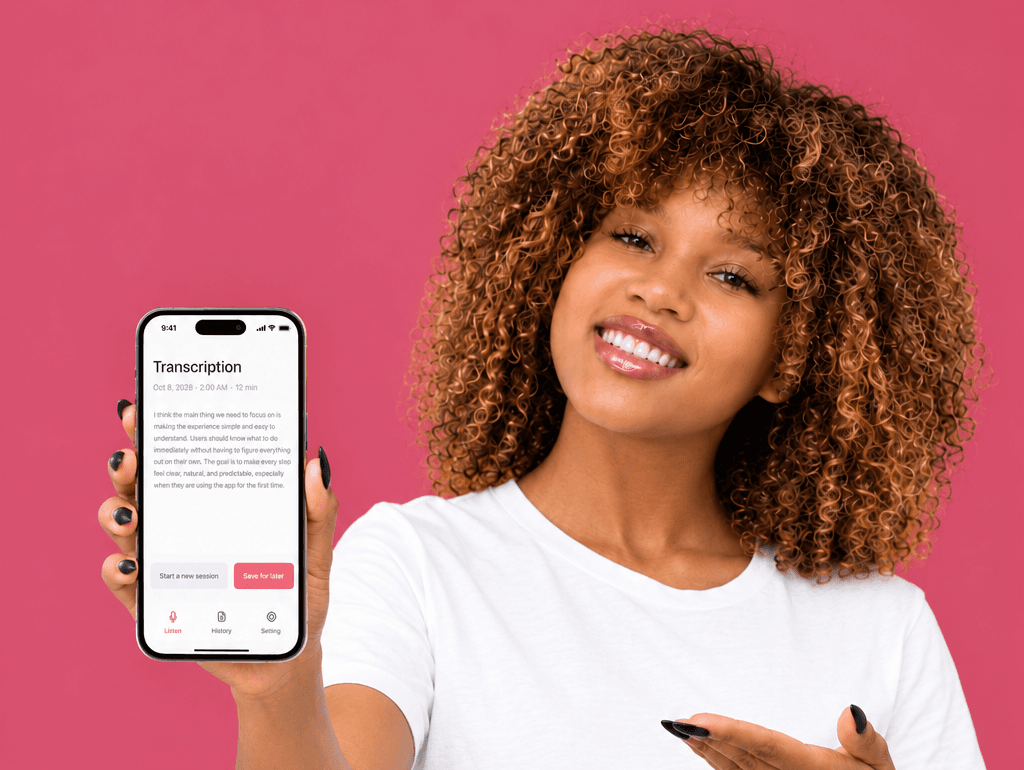
Video to text, on Android
Turn any video into text.
Play a video on your phone and veeZam writes down what’s said, as it plays. Podcasts and lectures work too — and nothing is uploaded.
Android · Early beta · No account required
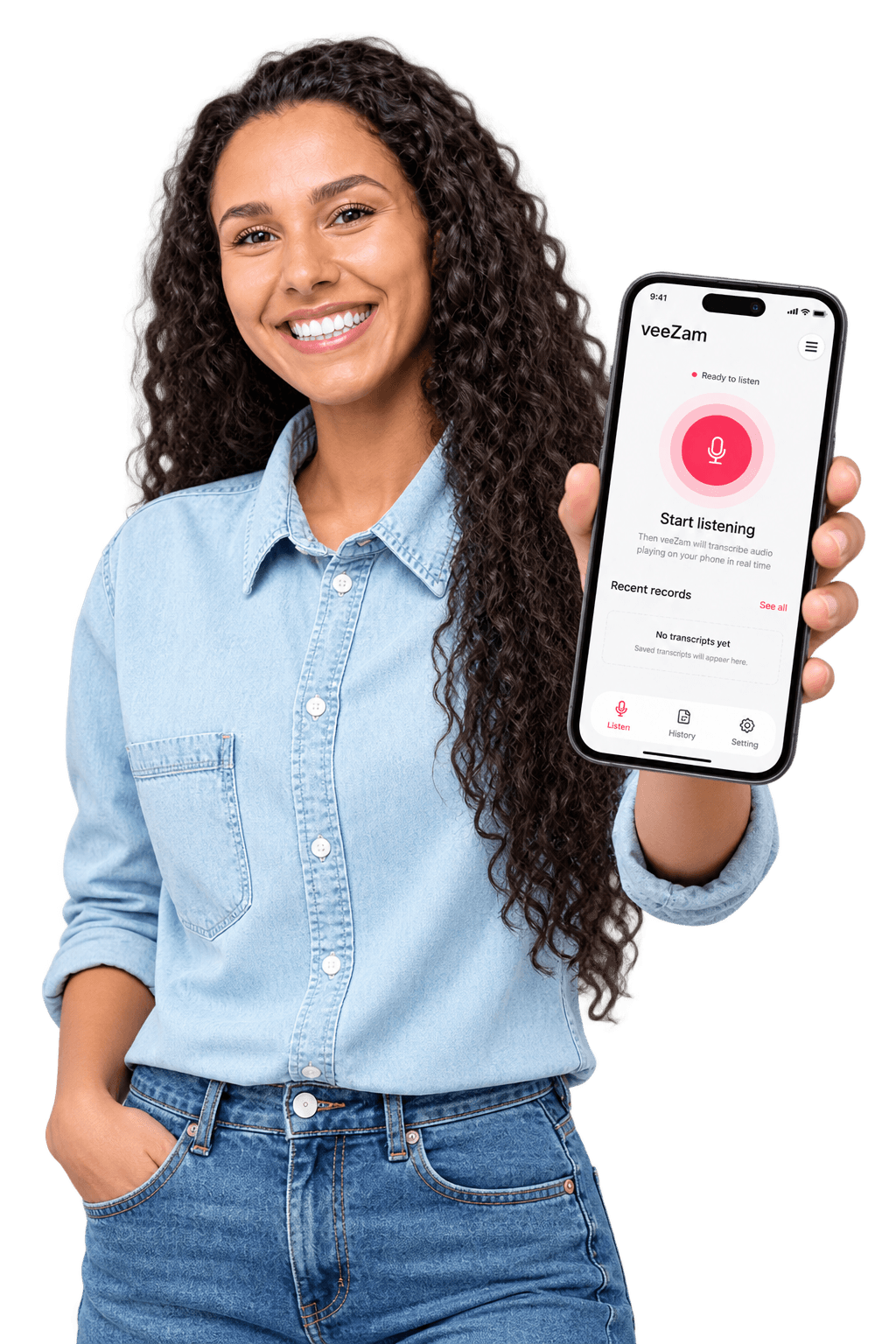
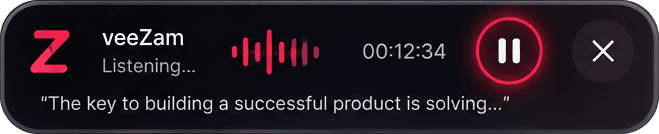
Wherever you watch, veeZam is there.
Play a video in any app. Your transcripts are saved on your phone.
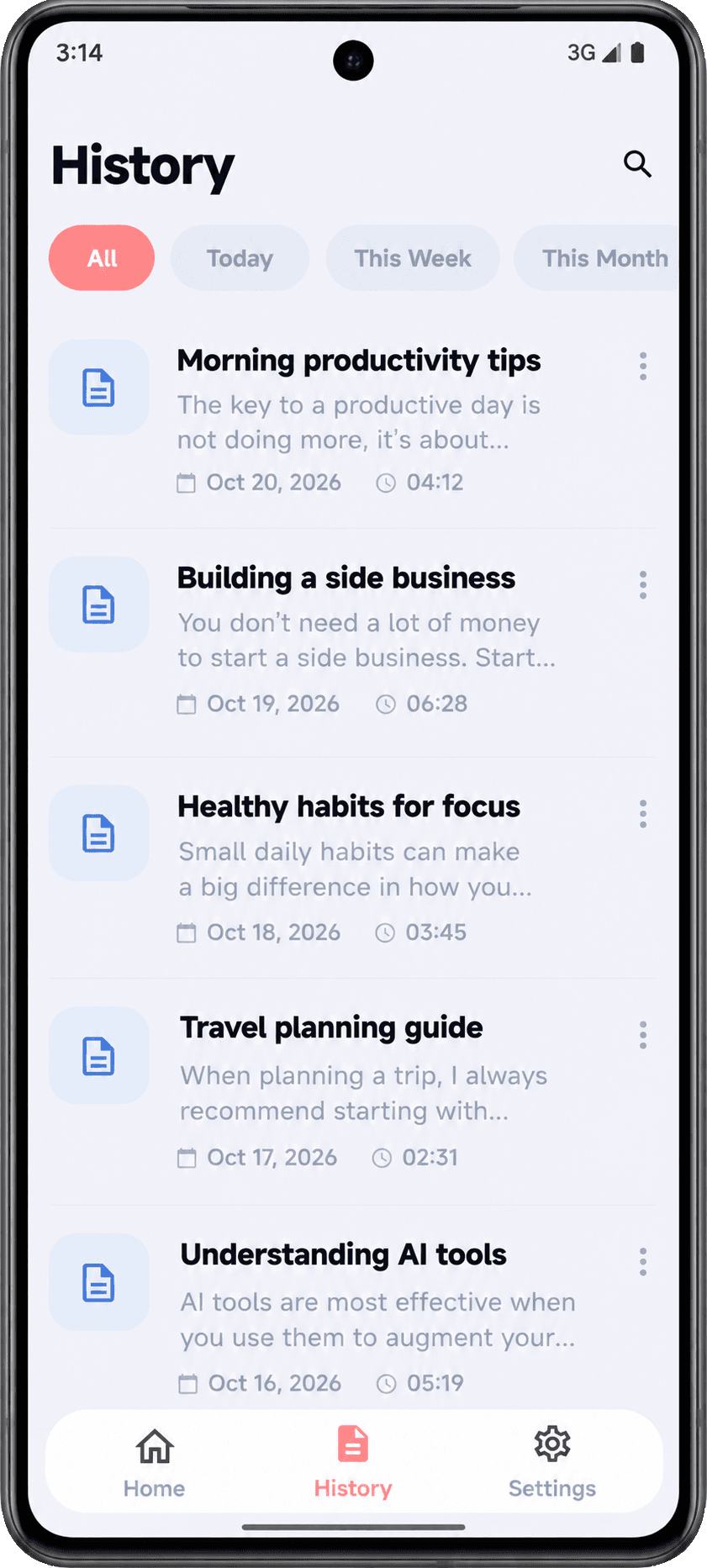

Three steps to your first transcript.
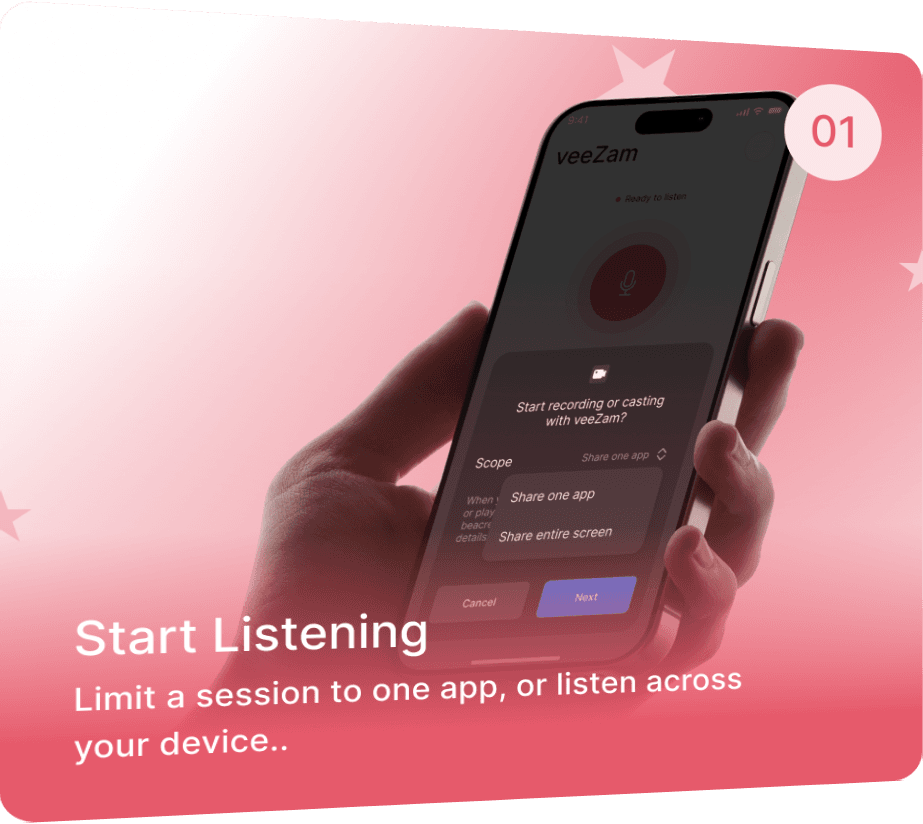
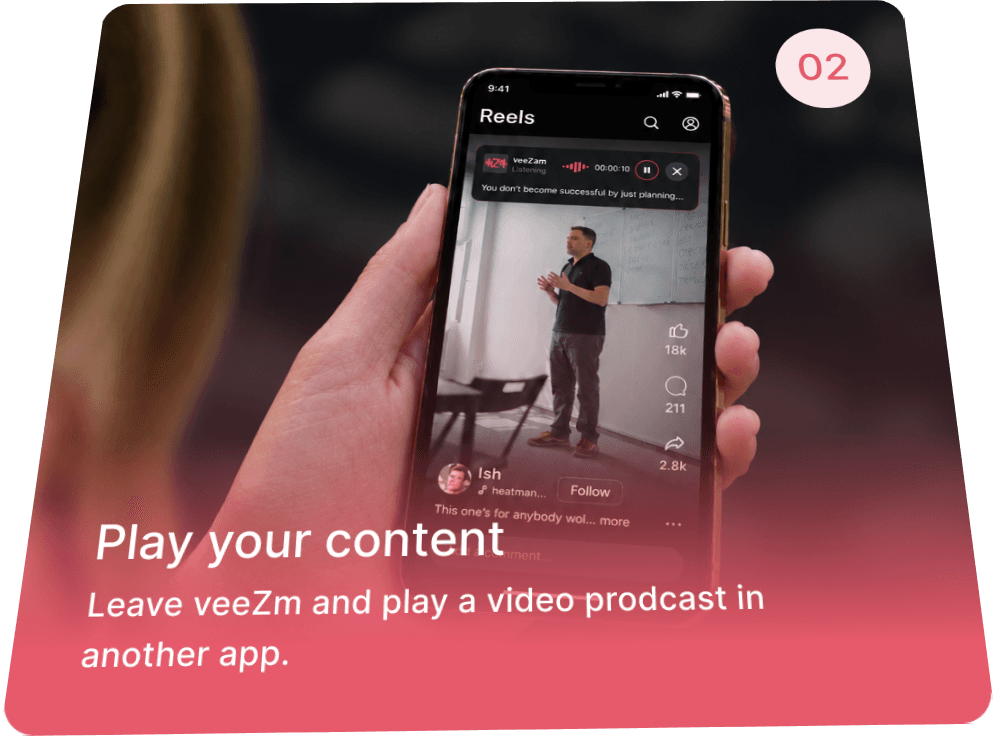
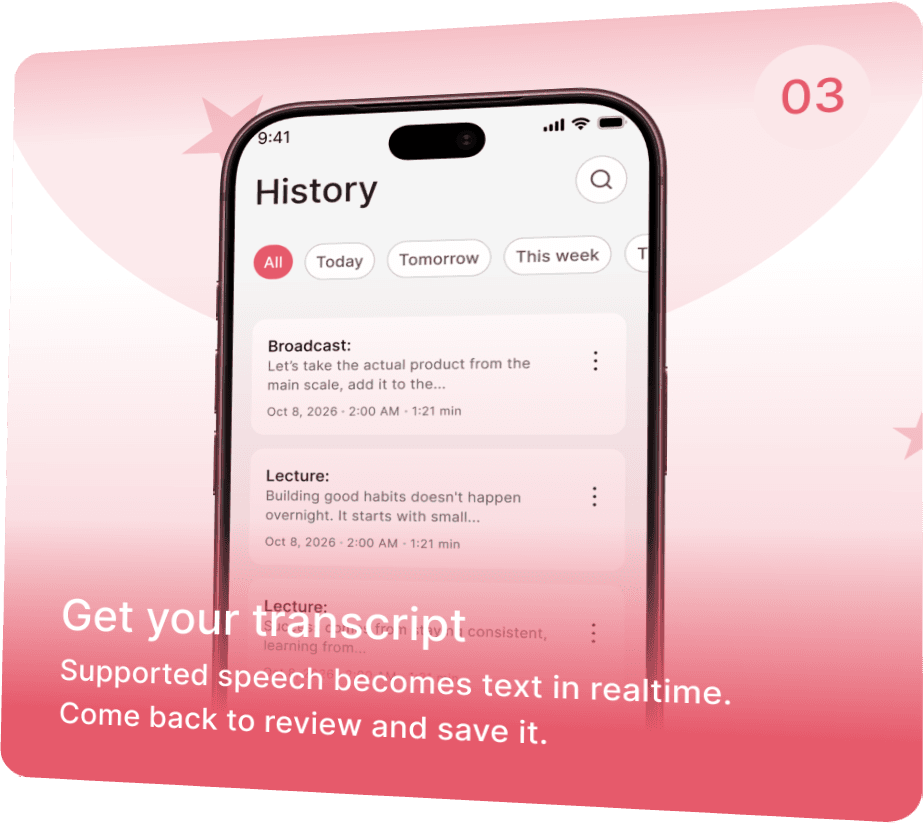
Made for how you watch.
I catch lectures on my commute. Now the key parts are waiting for me as text, so I don't replay anything.
Amara O.StudentGreat for pulling notes out of interview clips. I start a session, watch, and the transcript is there when I come back.
Daniel K.interviewerI like that nothing gets uploaded. It just listens while the video plays and gives me the text.
Tolu A.Student


Most People Ask
Find answers to the most common questions to help you get started and make the most of your experience.

Do I have to upload the video?
No. Just play the video on your phone. veeZam writes down what is said while it plays — podcasts, lectures and other audio work the same way.
Does veeZam record my screen?
No. veeZam only uses the sound, never the picture, so nothing on your screen is recorded. It does not record phone calls and it does nothing between sessions — it only works while a session you started is running.
Does anything leave my phone?
No. The sound becomes text on your phone as it plays. It is never saved as a recording and never sent to a veeZam server, and your transcripts stay in the app, on your phone.
Which apps work?
Most apps that play video or audio. Android lets each app decide whether its sound can be shared, so a few block it. Everywhere else, veeZam writes down the speech as it plays.
What does it cost?
Nothing has been announced yet. veeZam is in early beta on Android — join the waitlist and we'll be in touch when it opens up.
Watch it. Read it. Keep it.
Get veeZam for Android and turn the next video you watch into text.